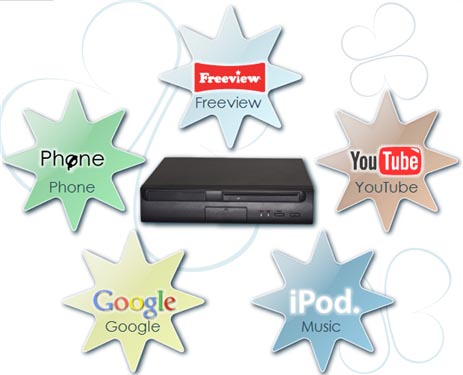
BabelTV is a set-top box that integrates TV and Web access to allow you to tune into and record Freeview TV and radio broadcasts, stream video clips, browse the Web, and even make VoIP calls. BabelTV also features PVR functionality to pause live TV, rewind, fast-forward, etc. BabelTV also lets you browse and view all the content on YouTube and any other non-proprietary video content. You can also copy videos from your digital camera and watch them on your large screen TV. One cool feature is that you can watch YouTube videos 'Picture-in-picture' while watching FreeView.
The box is managed remotely by BabelTV'. They stated, "Backing-up files can cause difficulties. BabelTV takes a radically different approach. All your important files are immediately stored on our central server. Only a temporary local copy is kept on the BabelTV. As a result, if the local system is stolen or the hard drive fails, Simply log-on from a new or repaired BabelTV and your important files immediately become available to you. Our unique caching system means that speed is not compromised and Internet traffic is minimised."
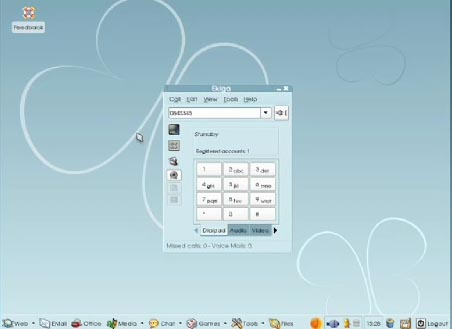
It appears to be running some flavor of Linux and comes with a copy of OpenOffice. BabelTV features integrated 'VoIP phone service'. Reportedly BabelTV and many other Internet phone users are a free call. On screen alerts tell you the phone is ringing, as well as the name and number of who is calling. Full featured Voice mail allows you to redirect a call so as not to disturb your viewing. or you can pause the TV, chat and then resume viewing from where you stopped. BabelTV also features call filtering allows you to redirect calls, refuse calls and stop or restrict outgoing calls.
VoIP Client screenshot
One still has to wonder if surfing on the TV will ever take off. We all know that MSN TV formerly WebTV hasn't exactly taken off. I think part of the reason is that TVs were too small to surf on TVs. The fonts were too small to read and the resolution of TVs weren't that great. But now with large LCD TVs, large plasma TVs, I think Web surfing on your TV might finally start to take off. Of course, I've been using my computer on my 65" TV since 2002.
 Though I have to admit I'm only using S-Video output to the TV, so the fonts are a bit blurry. When I blog from home on the TV (sitting 8 feet away on a sofa) and make typos, Rich Tehrani always jokes "Tom, saw some typos on your blog - must be the TV again, right?
  "
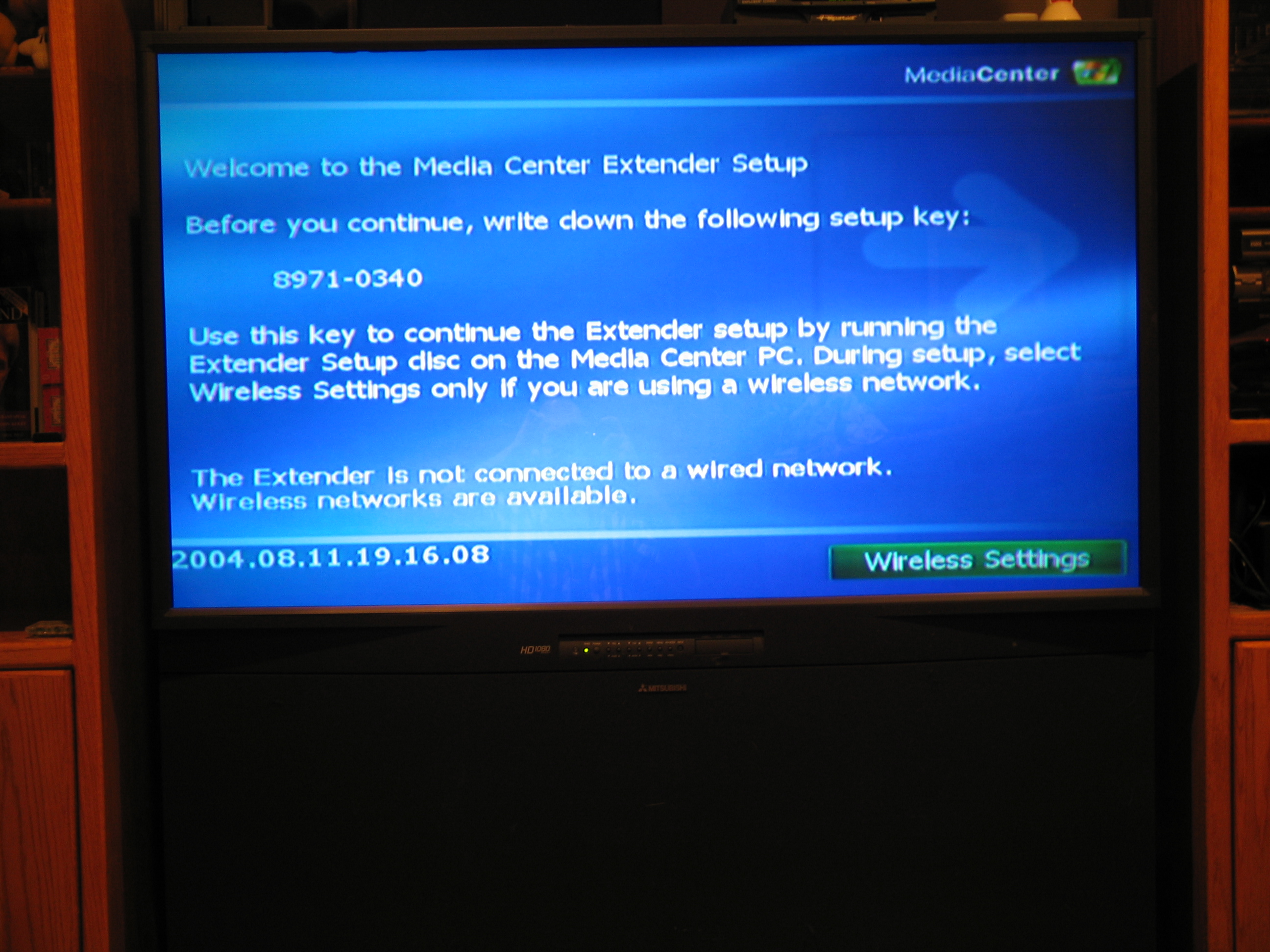
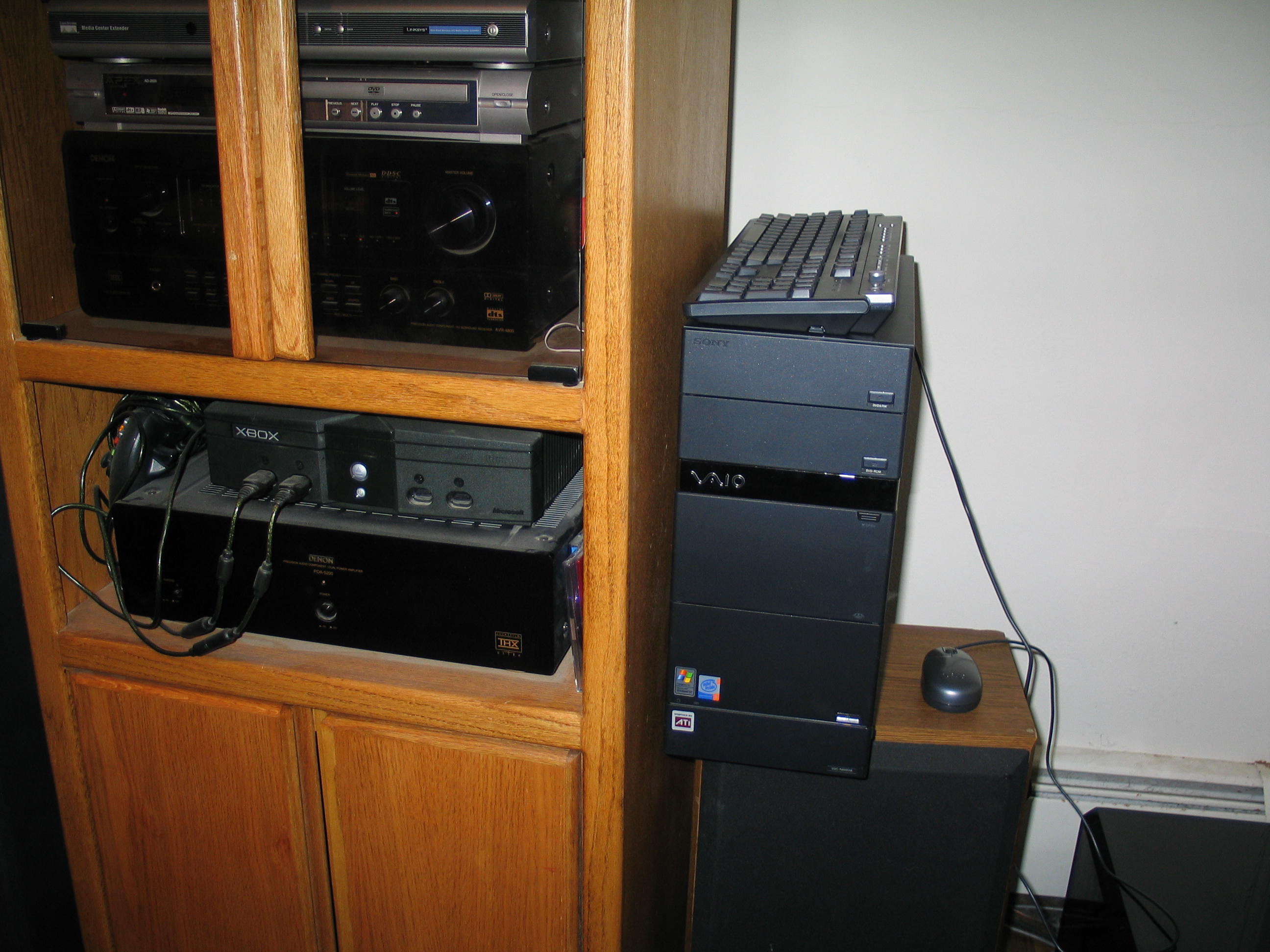
"Here you will see my Sony VAIO connected to my main home entertainment system, including a 65" Mitsubishi TV, Denon 4800 receiver, Linksys Media Extender, DVD player, XBox, Velodyne subwoofer, and other goodies. (these are old photos - I actually have some newer components now)
In any event, the BableTV unit will be available in the UK only early next month for £295 ($602), and includes wireless keyboard and pointer.